What a small business website really needs, and what it doesn't

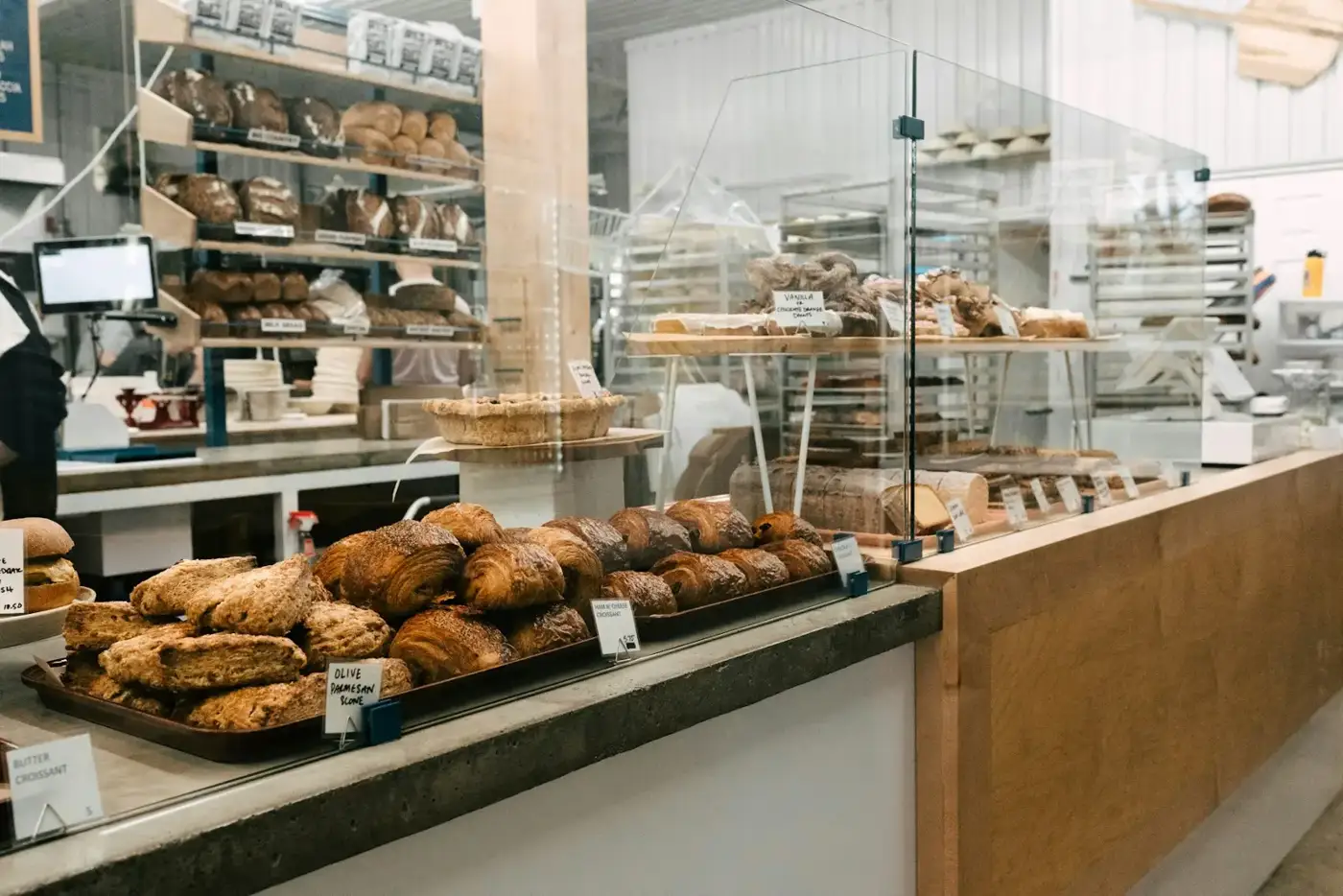
A small business website needs to answer three questions within seconds: who you are, what you offer and how to reach you. That means a one-sentence description, a phone number people can tap to call, opening hours, menu or prices, a few real photos, directions, a booking link if you use a booking tool, and a contact form, all loading quickly on a phone. Most other things can go.
Who is your website really for?
Mostly for someone on the street or on a tram, holding a phone, deciding where to go in the next hour. They want facts. Design for that person first.
What should be at the top of the page?
One sentence that says who, what and where. For example: "Family-run café in Szeged's city centre, serving breakfast, cakes and specialty coffee." A visitor, a search engine and an AI assistant can all understand that at a glance.
Right below it, put the two things people look for most: your phone number and your opening hours.
What does a small business website really need?
- A tap-to-call phone number. On a phone, one tap should start the call.
- Opening hours. Today's hours should be easy to spot. Include holidays and seasonal changes.
- Menu, services or prices. As text on the page, not a PDF or a photo of the board. People want to know what things cost before they come.
- Photos. A handful of real, recent, well-lit photos of the place, the food or the work.
- Address and directions. Your full address and a link that opens directions in the visitor's own map app.
- A booking link, if you use a booking tool. If you already take reservations or appointments through a booking service, link to it clearly. If you take bookings by phone, say so.
- A simple contact form or email address. For group bookings, events and other questions that do not suit a phone call.
- Speed on phones. The page should appear almost at once on mobile data. Heavy pages lose visitors before they see anything.
What does it not need?
- Sliders. Rotating banners at the top push the useful information down, and few people wait for every slide. One good photo works better.
- Pop-ups. Newsletter boxes and "special offer" windows cover the very information the visitor came for.
- A blog you will not update. A news page whose latest post is three years old makes the business look closed. Only add one if you will write regularly, even one short post a month.
- Plugins. Each add-on can break, slow the site down or need security updates.
- A cookie banner for features you do not use. Banners are usually needed because of tracking tools, ad pixels or content embedded from other companies. If your site uses none of those, you may not need one at all. This is general information, not legal advice.
- Ten pages. Most small businesses fit on one to three pages: home, menu or services, and contact. Fewer pages means less to keep up to date.
How do I know if my current site works?
Try this test on your own phone, using mobile data rather than Wi-Fi:
- Open your site. Does it appear quickly?
- Can you tell what the business is in one sentence, without scrolling?
- Can you find today's opening hours in under five seconds?
- Does tapping the phone number start a call?
- Can you see prices for your three most popular items?
- Does the directions link open your map app?
- Are the photos recent and do they show the place as it looks today?
Every "no" is a small, specific fix.
What about other languages?
If many of your customers are tourists or speak another language, a second or third language helps. Translate the essentials properly. Two languages done fully beat four done partly.
Who should keep it up to date?
Whoever knows when prices change, usually the owner or a manager. Choose a setup where changing the hours or a price takes a minute on your phone, without calling anyone. If every price change needs a developer, the site will soon be out of date.
A short, correct website beats a long, outdated one.
This is the idea behind Tabernio: the team sets the site up from your logo, photos and menu, then you change text, prices, hours and photos on your phone and press Publish. The basic site is free, and the details are on tabernio.com.
Questions
Is a Facebook or Instagram page enough instead of a website?
They help, but you do not control their layout, some content is hard to see without an account, and search engines read them less reliably than a website. Use them alongside a simple site, not instead of one.
How many photos should I use?
Enough to show the place, your main products or services, and the atmosphere, often somewhere between six and twelve. Quality and freshness matter more than quantity.
Do I need my own domain name?
Not to get started, but a short domain of your own, such as yourcafe.hu, is easier to remember and looks more established. You can usually add one later.
I spent years helping small business owners with their websites. Most of them did not want technology. They wanted peace of mind. Tabernio is how I give it to them.
More about me →Get a simple website
We set it up. You keep it fresh from your phone. Free to start.
More posts

How to show up when people ask ChatGPT or Google for a place nearby
Keep your name, address, phone and hours identical everywhere, and put your menu, prices and answers to common questions on your site as text.
Do I need a cookie banner on my small business website?
Only if your site stores or reads non-essential information on visitors' devices, such as tracking or ad tools. Many small sites can avoid it.